
Revelius for the staff
The shift, the routines and the next thing to do.
The staff do not need to see everything. They need to know when the shift starts, what is to be done and in what order. Seasonal staff should manage that on their first day as well, without training. That is why the staff view is one screen, not a system.
The day, routine by routine. Two shifts, 08:00 to 16:00.
Seasonal staff do not learn a system, they learn a screen: the shift at the top, the routines below and the next thing first. If they need to know where something is, the map of the business is in the same app, with the same pitch numbers the guest and the owner see.
The schedule and the clocking in sit in the same system as the bookings, so that a shift and an arrival are never in two calendars. Every shift has a person and a time, and every clocking belongs to the shift it is for. How shifts are set and signed off is under schedule and clocking in. What a legal requirement demands of a staff register, and which industries are covered, is what the guide on staff registers goes through, with the source given.
The register is your responsibility. The register is kept in the same system as the schedule and the clocking in. It is the business that has to keep it and be able to show it, and what is required is settled by the Swedish Tax Agency's regulations. The guide goes through them with the source given.
The screen starts on the shift. Not on a menu to find your way around.
The staff phone opens on the shift. It shows when the shift starts and ends, whether you are clocked in, today's routines in order and what is waiting. The clocking in sits on the same screen, not in another app and not on a clock in the corridor.
On the phone alongside the time is 13:00. The receptionist has the shift 08:00–16:00, has been clocked in since 08:00, has the 08:05 routine done and has one thing left: pitch 14 hasn't paid. That is the whole screen.
The money, other people's shifts and guest details beyond what the job needs are not shown. It is not a setting someone forgets to switch on: every role has its view, and the view shows only what the role needs. If someone changes role the screen changes content, not person. The guest likewise sees only their own stay.
- The shift
- 08:00–16:00
- Clocked in
- since 08:00
- Routine today
- 08:05 Reception, done
- To do
- pitch 14 hasn't paid
This is an interactive demo of Revelius: the staff phone with today's shift, the routines and clocking in. Everything works with the keyboard.
Demo data. Strandvik is made up, and nothing you do is saved.The full demo is on the front page
Where the day starts. Half an hour before the shift.
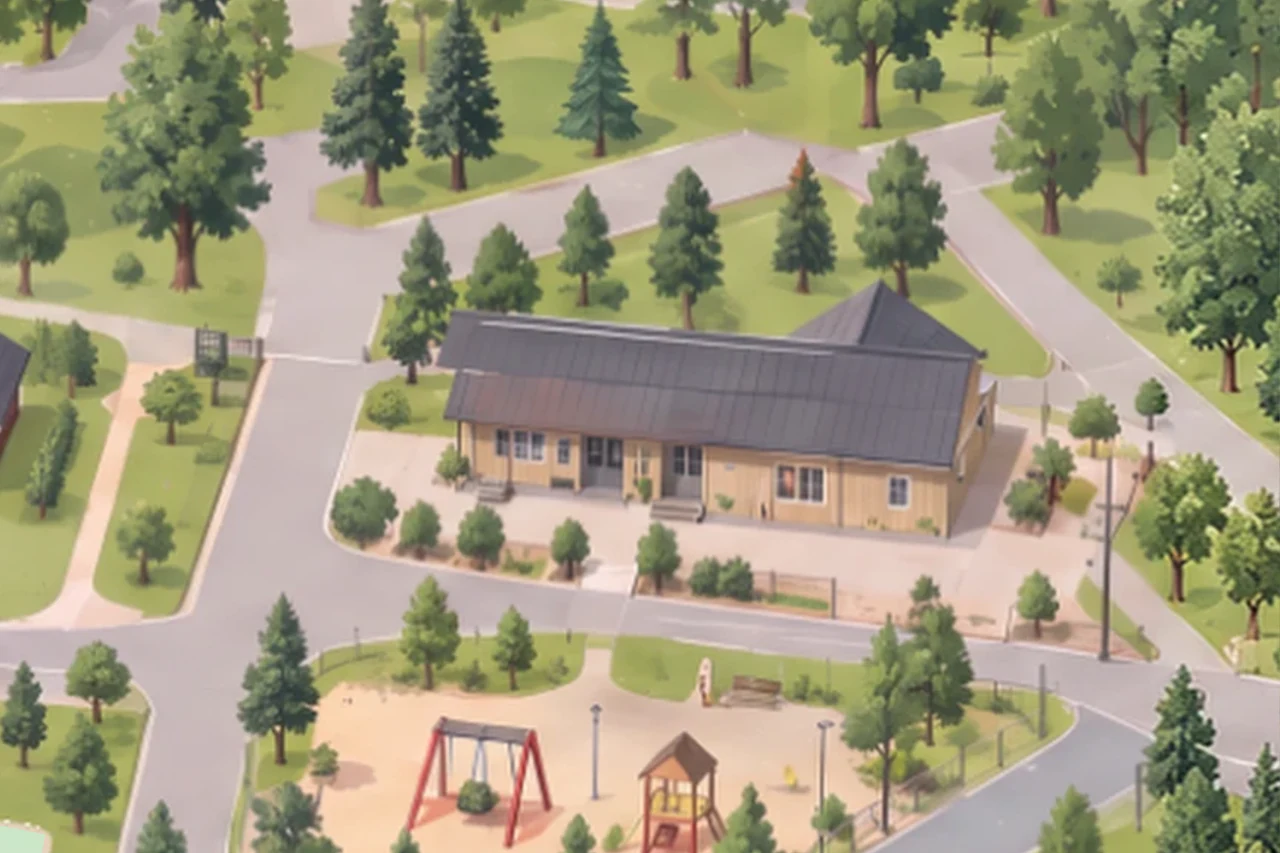
The day usually starts in the service building. The cleaning, the checks and the restocking belong here, and they are in the staff phone with a time and an order instead of on a note behind the door.
Every routine has a time and a place, and whoever signed it off stays on the row afterwards. If a routine is not done it does not disappear because the shift ends: it stays as the next thing to do, and it shows in the owner's overview.
The round, object by object. What is to be done by the time the shift is over.
- The signs at the entrance
- The bins that are emptied
- The tables that are wiped
- The lamp that should be lit this evening
The order is the round: the entrance first, then the bins, the tables and the lamps. The next thing to do is at the top of the phone, so that nobody has to scroll to know what is left. Swipe along the row to see more.
Outside the service building the round carries on. The signs at the entrance, the bins, the tables by the pitches and the lamps along the road each belong to their own point on the map, and every routine points at a point. That is why you can see what is left without ringing someone to ask.
The first shift. What the staff wonder, and what applies then.
Do the staff have to download an app?
The staff log in to their own view on the phone. It shows the shift, the routines and the next thing to do, and nothing else.
How do the staff clock in and out?
On the same screen that shows the shift. The clocking belongs to the shift, so that the schedule and the actual time are on the same row instead of in two systems.
Do the staff see what the business earns?
No. The money sits in the owner's view. The staff see the shift, the routines and what is waiting for them.
Can stand-ins and seasonal staff be added?
Yes. You decide who has which role, and a new person sees their shift and their routines from the first shift.
What happens if a routine is not done?
It stays as the next thing to do and shows in the owner's overview. Nothing disappears because the shift ends.
Where are the rules on staff registers?
In the guide, with the source given. It goes through which industries are covered and what a register has to contain.
One screen per shift. Not a system to learn.
At the mapping we go through the shifts, the routines and what each member of staff should see on their screen.
Book a callRevelius is a product of Tavus Sweden AB, Stockholm.